
Lamar County VINELink Coverage
Mississippi calls its statewide network SAVIN, and the Department of Corrections points the public to VINELink Mississippi for searches. State law requires a system that covers people held by MDOC or in a county jail. Even so, the public MDOC page names no technical Lamar County feed. No instant booking promise appears there. So treat VINELink as your status-and-alert tool. Booking details belong to the Lamar County JailTracker roster. Direct questions go to the jail itself. Courts hold case results. A move into MDOC custody brings the state system into play, while federal prisons and immigration custody run on separate locators.
Search VINELink After Lamar Arrest
Start with the person's exact legal name. A booking number, offender ID, age, or facility detail helps when several results match, though only fields the live result supplies should be used.
- Open VINELink and select Mississippi.
- Choose the person or offender search rather than a general information page.
- Enter the person’s first and last name, then add another offered identifier if needed.
- Review all possible matches. Compare the facility, ID, age, or status instead of assuming the first name match is correct.
- Open the matching record and note the time checked.
- If no result appears after a recent arrest, search the county roster and call Lamar County Jail at (601) 794-1088.
VINELink stays the alert layer. For booking records, use the Lamar County recent-arrests hub. The Mississippi search screen on the page is the public entry point.

The screen shows where a person-specific search starts, with no booking-photo gallery.
Lamar VINELink Result Fields
Vendor labels shift over time. Not every custody record fills in every field, so read a result as booking and custody data, not a full criminal-history file.
| Field | How to use it |
|---|---|
| Name | Compare exact spelling across all possible matches. |
| Offender or custody ID | Use the number to distinguish similar names when available. |
| Custody status | Shows the system’s current reported state, subject to update lag. |
| Facility or agency | Helps identify whether county or state custody is being reported. |
| Event or status date | Read as the displayed event date, not an assumed arrest time. |
| Notification option | Opens registration for supported release, transfer, or custody events. |
A VINELink entry tracks custody only. For arraignment, plea, dismissal, trial result, or sentencing, follow the court docket handling the case.
Register for Mississippi SAVIN Alerts
MDOC describes registration as free and anonymous. Delivery choices can include phone, email, text, or TTY, and the live interface decides which options appear for a given record.
- Find and open the correct person-specific VINELink result.
- Select the registration or notification option attached to that record.
- Choose the custody event types offered, such as transfer, return to custody, escape or absconding, or release.
- Enter the phone, email, text, or TTY destination offered by the service.
- Create or receive the PIN used to manage or cancel notices.
- Complete any confirmation step and keep the PIN private.
State program help sits at (601) 359-5759, staffed during standard business hours. For around-the-clock assistance, Mississippi SAVIN posts a toll-free line at (888) 967-7284, written also as 1-888-9-MSSAVIN, plus TTY at (866) 847-1298.
Verify Lamar Custody Changes
Every VINE notice rides on an electronic custody update. That means no guaranteed instant alert for each arrest, release, or transfer. When a booking is fresh, compare the Arrests Last 24 Hours workflow and call the jail. Safety should never hinge on an automated message alone. Go to the official agency directly. Federal custody works differently. The Federal Bureau of Prisons runs its own locator, and immigration custody uses a separate DHS-VINE service. Someone can also leave county custody for a system the same Lamar search never covers.
County Coverage Needs Two Checks
Mississippi law backs county-jail-inclusive notification coverage. The MDOC SAVIN page does too. But neither names Lamar County's live technical connection. Two checks beat one here. Search VINELink for notice options, then confirm booking details with the county roster or a jail call. The MDOC public-records page also opens a written route for state-held records once a person enters MDOC custody.
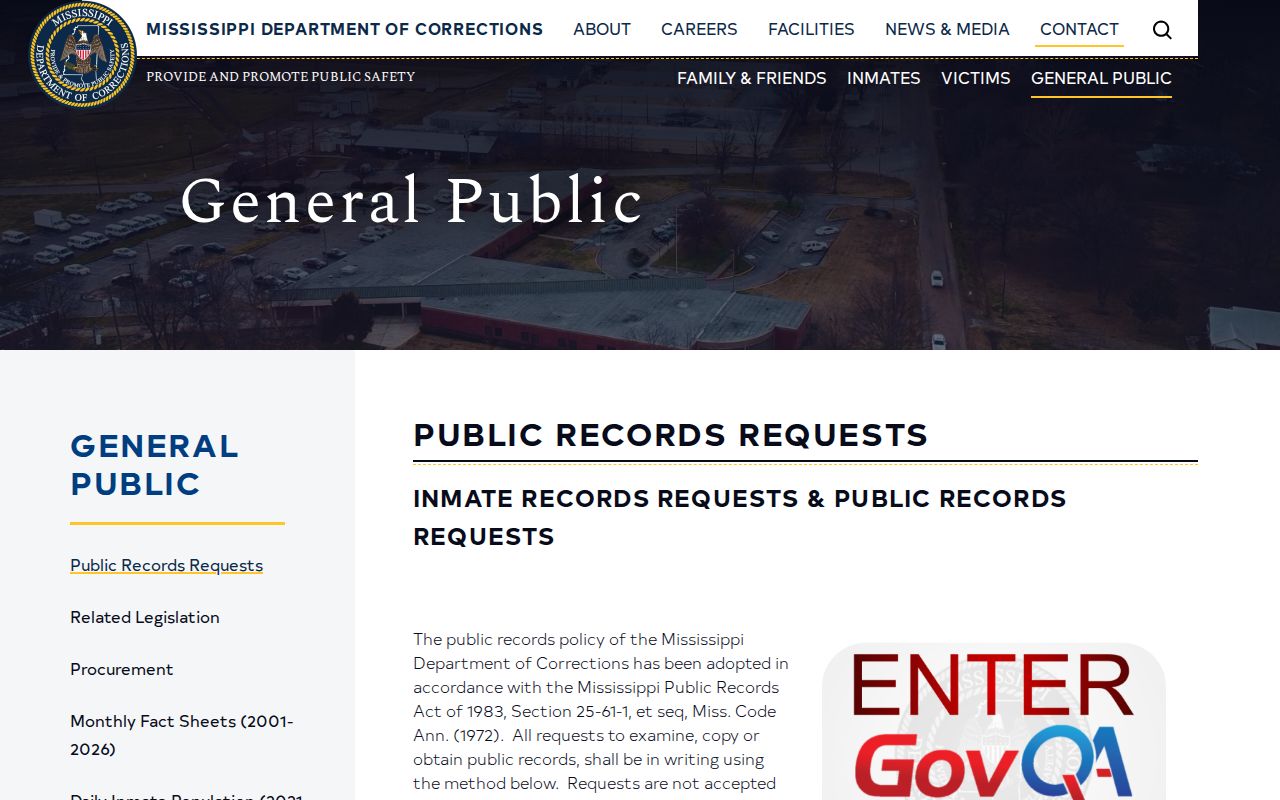
MDOC is not the place to look for a newly booked local detainee. After a state sentence, it becomes the proper agency.
Understand Mississippi Custody Events
The official MDOC SAVIN page lists several event types that can trigger a notice. Transfer means a move between covered custody locations, and return to custody means a person came back into a covered system. Escape or absconding counts as its own status event. Release covers whichever release-type change the record offers. An alert never explains the full story behind a change, so read the exact wording before acting.
A notification date is not an arrest date. It reflects an event pushed through the electronic custody system. Facility changes say nothing about a case outcome either. Save the custody ID and facility name. Note the event and time received. Then verify anything urgent with the listed facility or the responsible agency.
Never share a notification PIN. The PIN lets the registered user manage or stop alerts. Old confirmation messages go stale fast. If a phone number or email address changes, return to the live VINELink record or call the state SAVIN help line for current instructions.
When Lamar VINELink Finds Nothing
A blank VINELink result is not the end of the road. Intake may still be underway. The person may already be released. Names get entered differently, or another facility may hold them. Some records stay protected and out of public view. Try spelling variants carefully, but never merge two people whose names merely look alike.
From there, use the official Lamar County JailTracker search linked from the Sheriff's county page. A recent arrest may not show on the web. In that case, call the jail at (601) 794-1088. The Sheriff's Office can route a records request. Call (601) 794-1005 for a booking sheet or arrest report. Skip dispatch. County dispatch is a communications service, not the records desk.
Release at the county level ends that chapter. VINELink can still register you for future covered events. If the person moved to MDOC custody, search the official MDOC site by name or MDOC ID. Federal or immigration custody calls for the right federal locator, not repeated Mississippi SAVIN searches.
Each source has one job. An alert tells a registered user that a status changed. The booking sheet covers intake facts. The court file shows what prosecutors and judges later did. Checking all three keeps an old charge label, a delayed update, or a mistaken name match from standing in as the final account.
Use Mississippi SAVIN by Phone
Mississippi SAVIN works beyond the website. A toll-free line runs around the clock. The published number is (888) 967-7284, also written 1-888-9-MSSAVIN. TTY access is available at (866) 847-1298. For weekday help, the separate state program number is (601) 359-5759.
Call when online access is difficult. Have the correct name and any known custody identifier ready. Ask which facility and status the system reports, and note when the information was checked. An urgent Lamar County custody question still belongs with the jail. A SAVIN operator cannot replace emergency services, legal counsel, or the clerk responsible for a filed case.
Respond to Lamar Custody Alerts
Read the whole alert first. A transfer means movement to another covered facility. Return-to-custody differs from release. Escape notices carry their own safety concern. Never approach or try to locate a person because of an automated message. If safety is at risk, contact the responsible agency named in the notice.
Keep the registration current. An old number, blocked call, full mailbox, filtered email, or lost PIN can block delivery even when the system sends the event. Update details through the current VINELink interface or the state help line. Keep verifying with the named facility, since electronic records can lag the event itself.
Does the alert conflict with the Lamar County roster? Note both check times. Call the facility in the newest official result. Keep the message until the status is confirmed. Never post personal alert details or a PIN publicly.